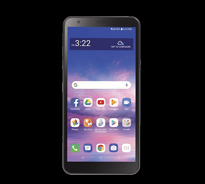
LightSpeed TV is an app based cable streaming solution requiring a channel subscription through RUC LightSpeed. Using LightSpeed TV is as simple as downloading the app to your device or using one of our set-top boxes.
*Includes free DVR storage and exclusive access to on-demand content. LightSpeed TV requires a LightSpeed internet connection / subscription.

*The Compatible Device list is regularly updated to ensure you have the best experience with the latest features.
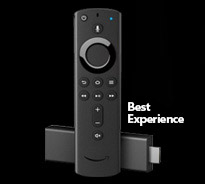
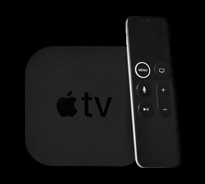
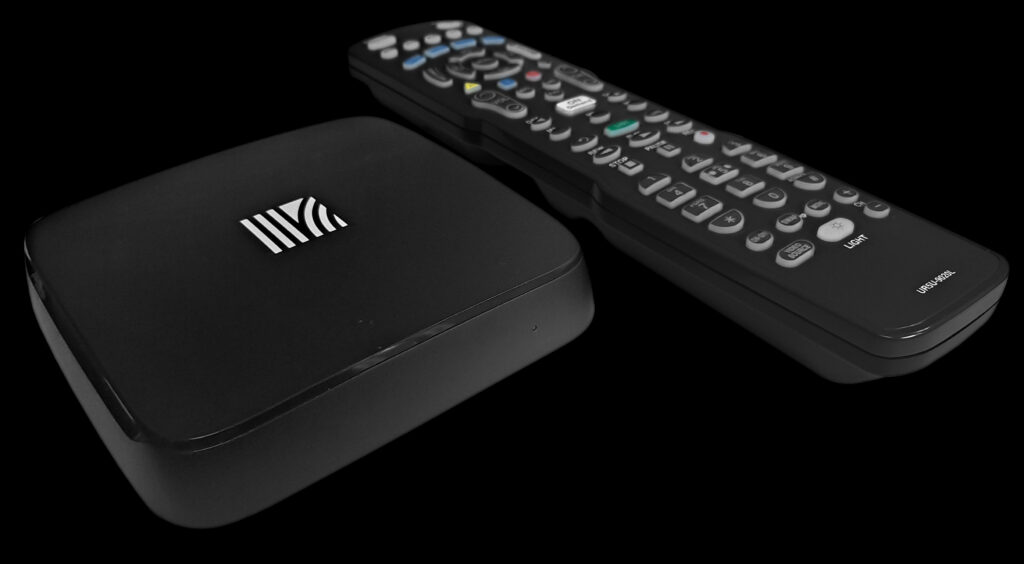
Converts our HDTV service into a traditional remote control television experience.


All you need is a device (We recommend the Amazon Fire Stick 4K Max for our TV programming) and a WIFI connection powered by LightSpeed. You no longer need to worry about having your TV near a coax/ethernet wall jack.
You can purchase an Amazon Firestick through Reedsburg Utility or any major retailer / online supplier (amazon.com, bestbuy.com, walmart.com)
The Amazon Fire Stick is a simple dongle that plugs into the back of any TV with an HDMI port and turns your television into a smart TV able to launch a variety of apps and streaming services.
Simply open the channel/app store on your device and search for “LightSpeed TV”.
You can watch our service on your Android/IOS device in network, with the MY TV app.
We actually no longer offer a “Traditional” TV service, however, we can enable our service to be used with a traditional remote for an additional charge.
Yes, our service includes 50GB of HD storage, however, additional storage can be purchased as follows:
250GB – $1.95/mo, 500GB – $2.95/mo., 1TB – $4.95/mo
Yes, our service includes (3) three simultaneous streams with additional streams being available for $1.95/mo.
From the guide in LSTV, bring up the menu bar and right arrow over to “Account”. From this, arrow down through the list of devices and select “Add-Device”. This will generate a code to be entered into the LSTV app on the new device.
Download “MyTVs” app and follow the above steps to generate required credentials.
Recordings will never delete based on age of the recording. They will however delete the oldest recording once you have filled up your Cloud DVR storage limit.

• HBO
• HBO 2
• HBO Family
• HBO Signature
• HBO Latino
• HBO Comedy
• HBO Zone

• Showtime
• Showtime Too
• Showtime Extreme
• Showtime Showcase
• Showtime Family Zone
• Showtime Women
• Showtime Next
• The Movie Channel
• The Movie Channel Extra

• Starz
• Starz HD
• Starz Action
• Starz Black
• Starz Cinema
• Starz Comedy
• Starz Classic
• Starz Edge
• Starz Encore
• Starz In-Black
• Starz Kids & Family
• Starz Suspense
• Starz Westerns

• Cinemax
• More Max
• Action Max
• 5-Star Max
• Outer Max
• Thriller Max
• Movie Max